
Precision encapsulation and optical standards
From clear acrylic and precision color printing
to multi-light imaging and measurement.




Clear slabs and full-color printing

- Clear acrylic. Check clarity, haze and scratches under consistent lighting.
- Full-color printing. Inspect ink alignment, gradients and coverage along the frame.
- Clear viewing window. Keep artwork clear of the card face and its printed borders.
- Color matching. Compare the main colors and tones with the design under fixed white light.
Precision encapsulation and label verification
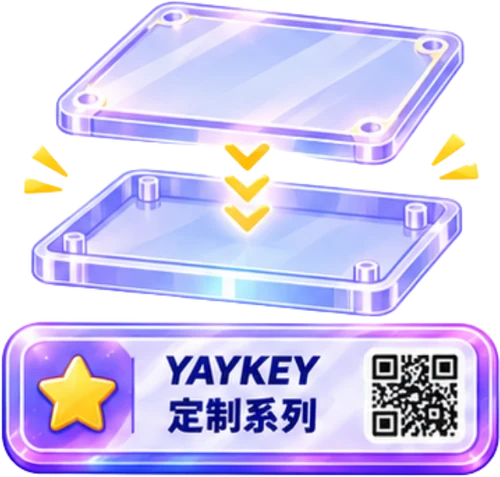
- Shell fit. Check the recess and closure. The card should lie flat with room at every corner.
- Label verification. Match the text, serial number and QR code to the same record.
- Contact-free closure. Remove debris, align the two halves and check for pressure on the corners after sealing.
Multi-light imaging

- Directional capture. Keep the card and exposure fixed while changing the light direction.
- Reading reflections. Track which lines appear under each light to distinguish foil glare, texture, scratches and dents.
- Repeatable comparison. Align the images and mark features on the original frame for review.
Centering standards and online calculator

- Centering. Measure from the same printed reference to the outer edges. Calculate each axis separately.
- Reference bands. Use the less balanced axis: exactly 50/50 is perfect, up to 55/45 excellent and up to 60/40 good.
Surface, edge and corner inspection
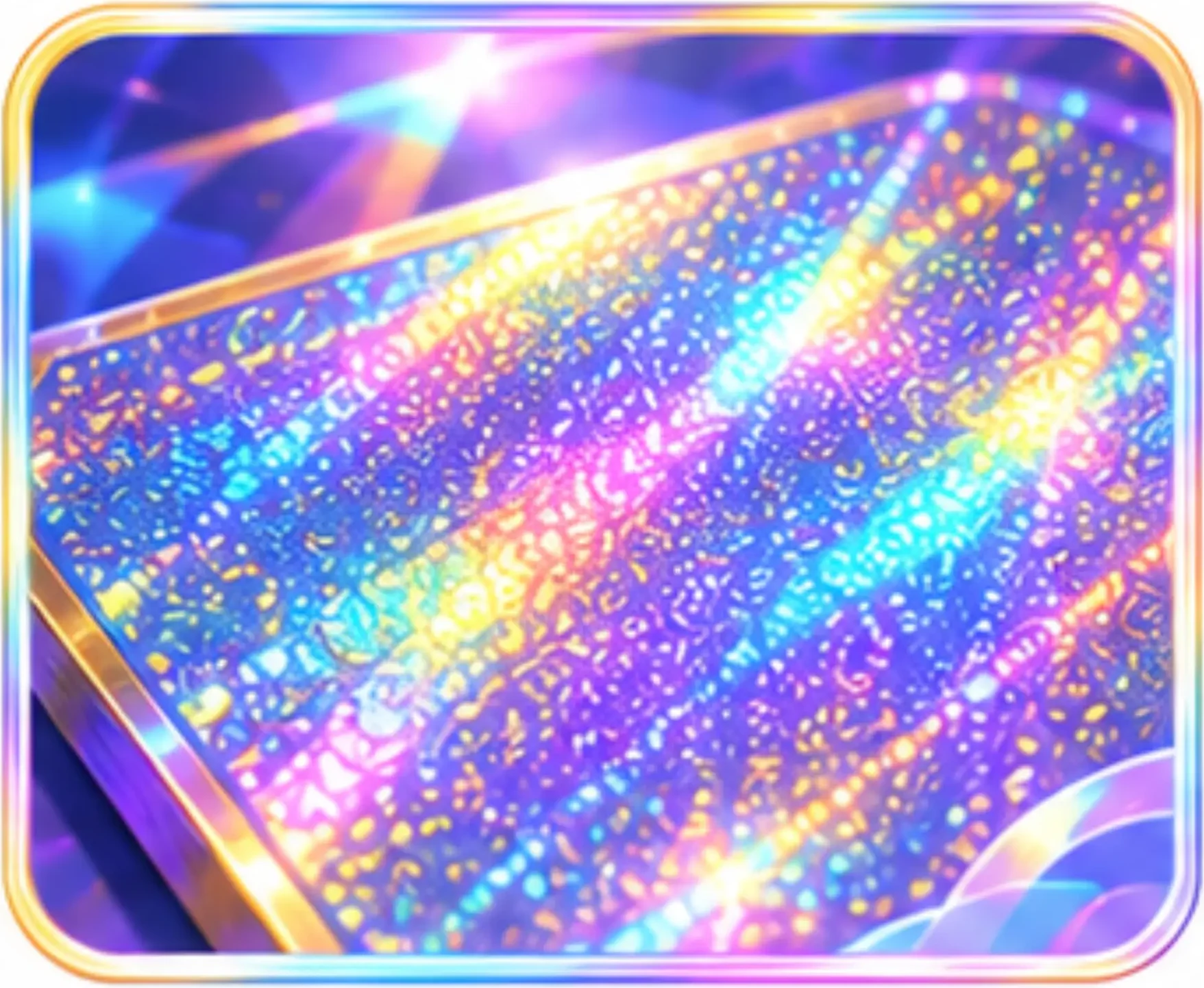
Surface texture
- Texture and sheen. Compare print texture, foil reflections and surface uniformity.
- Locating marks. Record the position and direction of scratches, dents and spots.
- Condition notes. Retain the frame, lighting and notes; reshoot the same spot to verify.

Edges and cuts
- Cut edges. Follow all four edges for rough cuts, burrs and notches.
- Corner shape. Compare corner radii, symmetry and smoothness.
- Local damage. Use raking light to inspect whitening, chipped corners and layer separation.
Geometric measurement
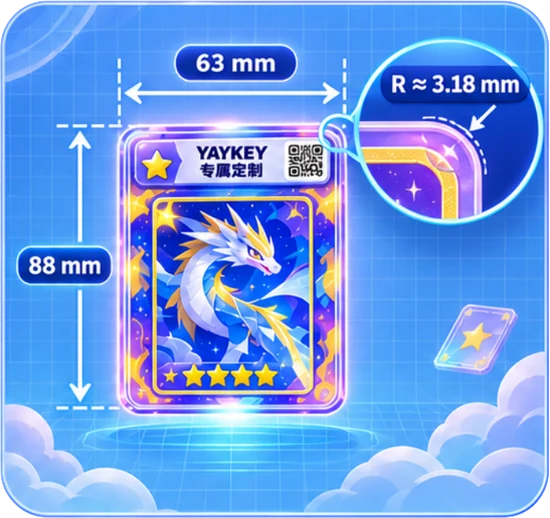
- Sample dimensions. The illustrated card measures 63 × 88 mm. Identify the game and edition before comparing sizes.
- Corner radius. The example radius is about 3.18 mm. Compare each curve and its transition into the straight edge.
- Measurement. Correct perspective and calibrate against a ruler in the card plane. Record dimensions, margins and repeatability.