

 YAYKEY
Design your own label
Choose the text, typeface, colors and artwork for your label.
Create your label and full-color frame online.
Add in-store sealing, imaging and a digital card record.
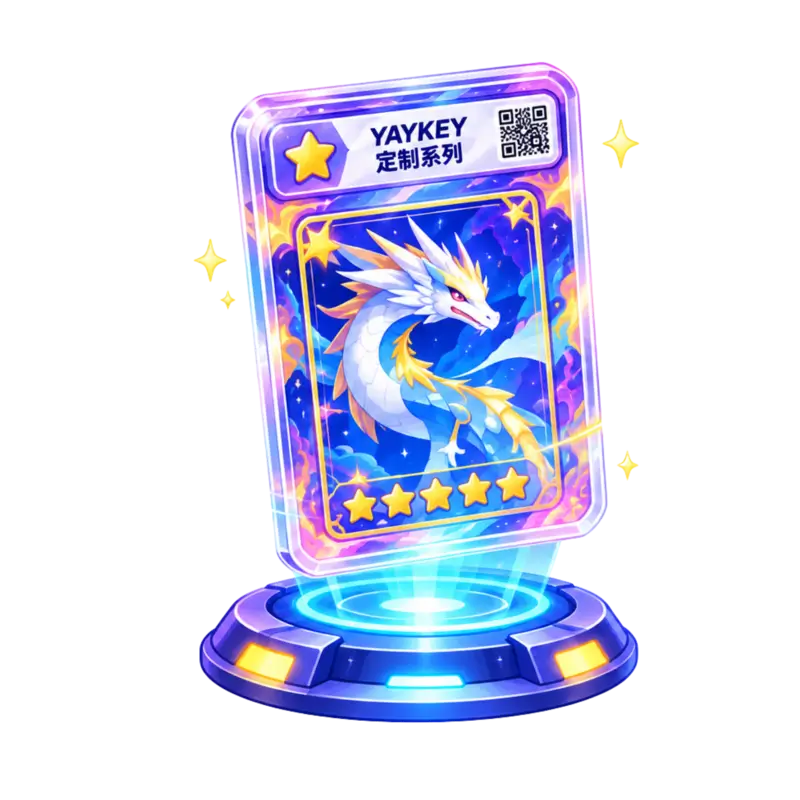
 Make the label, frame and finish your own.
Choose the text, typeface, colors and artwork for your label.
Upload artwork or choose a themed border for a full-color finish.
Preview changes as you work and save your design online.
Add multi-light imaging to create a digital record of your card.
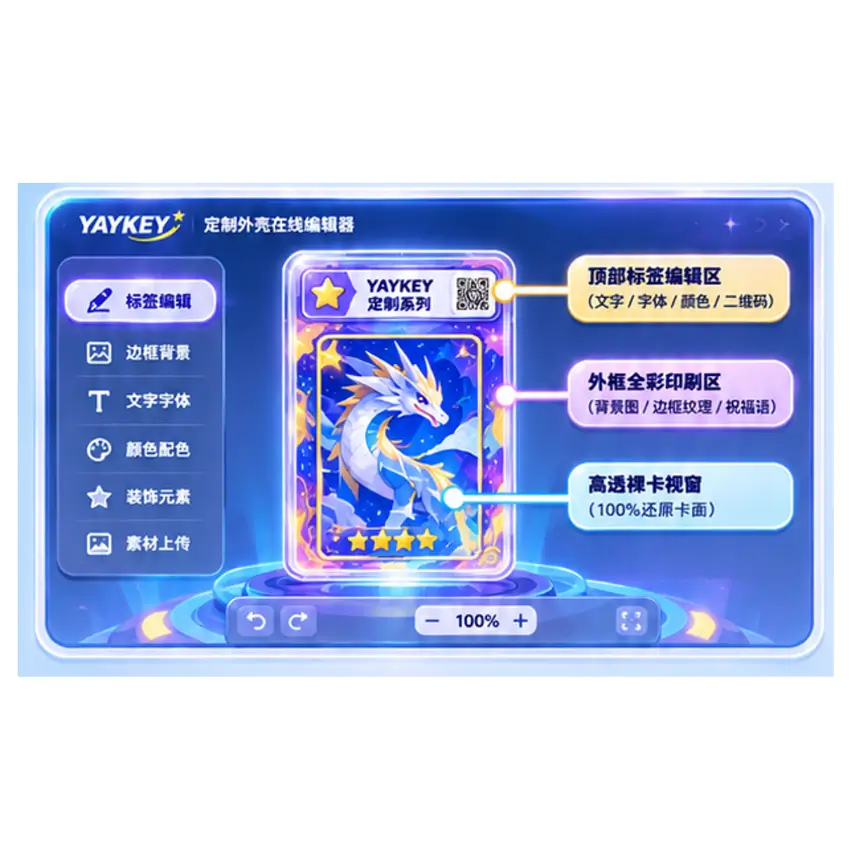
 The online editor: see your design as you work
 From online design to in-store sealing in four steps

Upload artwork, edit the label and frame, then save your design.
Book a visit and bring your unslabbed card to a YAYKEY service point.

A technician scans your card under multiple lights to create its digital record.
We print your design, seal the card in its slab and hand you the finished piece.